A chat answers a prompt. An agent participates in a process. The distinction becomes material when it receives context, a tool, and the ability to affect an outcome. “Be careful” in a prompt is not enough; the boundaries must be testable.
Consider an internal support request: an employee asks how to request access to a system. An assistant can find the current instruction and draft an answer. Creating a ticket or changing permissions is a different level of authority. Reading a document does not grant permission to take those actions.
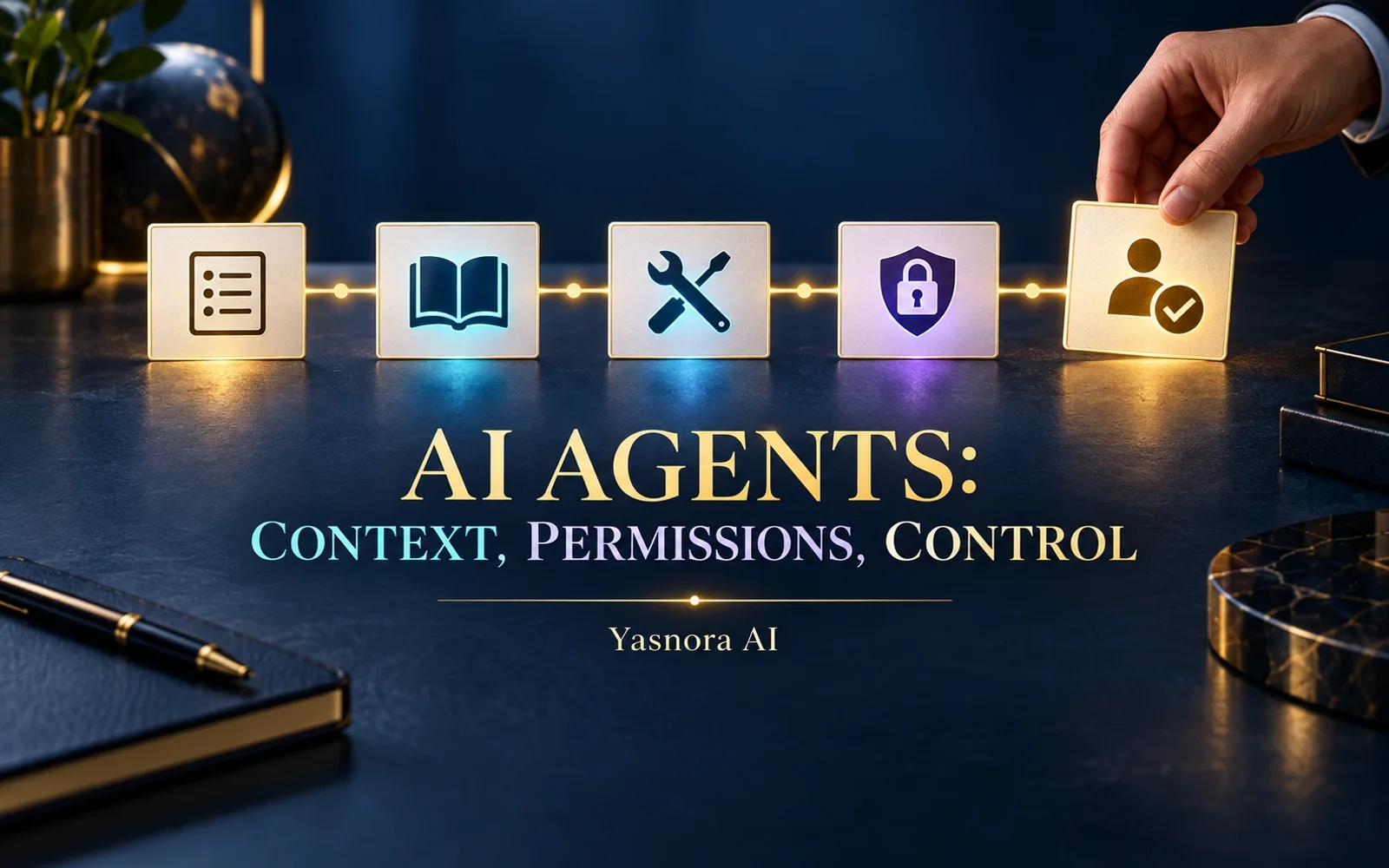
Five parts of a working agent
- Goal. A narrow task and a criterion for success, such as a draft answer that cites the current instruction.
- Authorized context. Documents, versions, teams, and data the agent may read. A missing version should stay unknown.
- Tools. Named functions such as knowledge search. An integration name does not authorize all of its methods.
- Permissions. Separate rights to read and to perform each write action. Enforce limits in server policy and credentials, not just model instructions.
- Human control. Approval before consequential actions, visible results, event records, and a way to stop a mistaken path.
A useful discussion diagram is request → bounded agent → permitted knowledge/tools → draft result → human review → authorized action. Some workflows never need the final action.
Chat, knowledge assistant, and agent
| Format | Typical result | Control question |
|---|---|---|
| AI chat | Answer to a supplied prompt | What context did the user provide? |
| Knowledge assistant | Answer grounded in permitted sources | Which documents and versions may it read? |
| Agent | Step in a defined process, sometimes using a tool | Which action is authorized and who approves it? |
These are architecture distinctions. They do not mean that every Yasnora agent has arbitrary access to a CRM, inbox, or financial operation.
Draw the action boundary
An internal reference assistant might only need read access and source links. In a service workflow, an agent might draft a ticket while a person checks the recipient and submits it. Document analysis may end with a list of questions without changing the original file. These are design examples, not claims of shipped integrations or customer deployments.
Use least privilege: an allow-list of tools, scoped credentials, source boundaries, execution timeouts, and call limits. External messages, business-record changes, financial actions, and deletion of important data often call for an explicitly assigned review level. The policy should reflect the cost of an error; one threshold does not fit every process.
An agent can still cite an obsolete document, mix up people, or suggest the wrong action. Event logs, source context, and a clear distinction between a proposed and a completed action make review possible. The mere existence of logging does not prove any particular retention period or complete audit coverage in every deployment.
Yasnora's current boundary
Yasnora Agents are Beta: bounded agents with tools, policies, and approvals. Availability is within Pro, Business, and Enterprise under an eligible deployment. Each tool and external side effect has its own availability and policy requirement; arbitrary actions in business systems must not be assumed. Deployment and operational terms are assessed for the project.
To decide where such a process should run and which data may cross an infrastructure boundary, start with the enterprise AI deployment comparison.
Discuss an agent for your workflow with the Wicsora team. Bring one process, its data, permitted actions, and the person who owns the outcome.