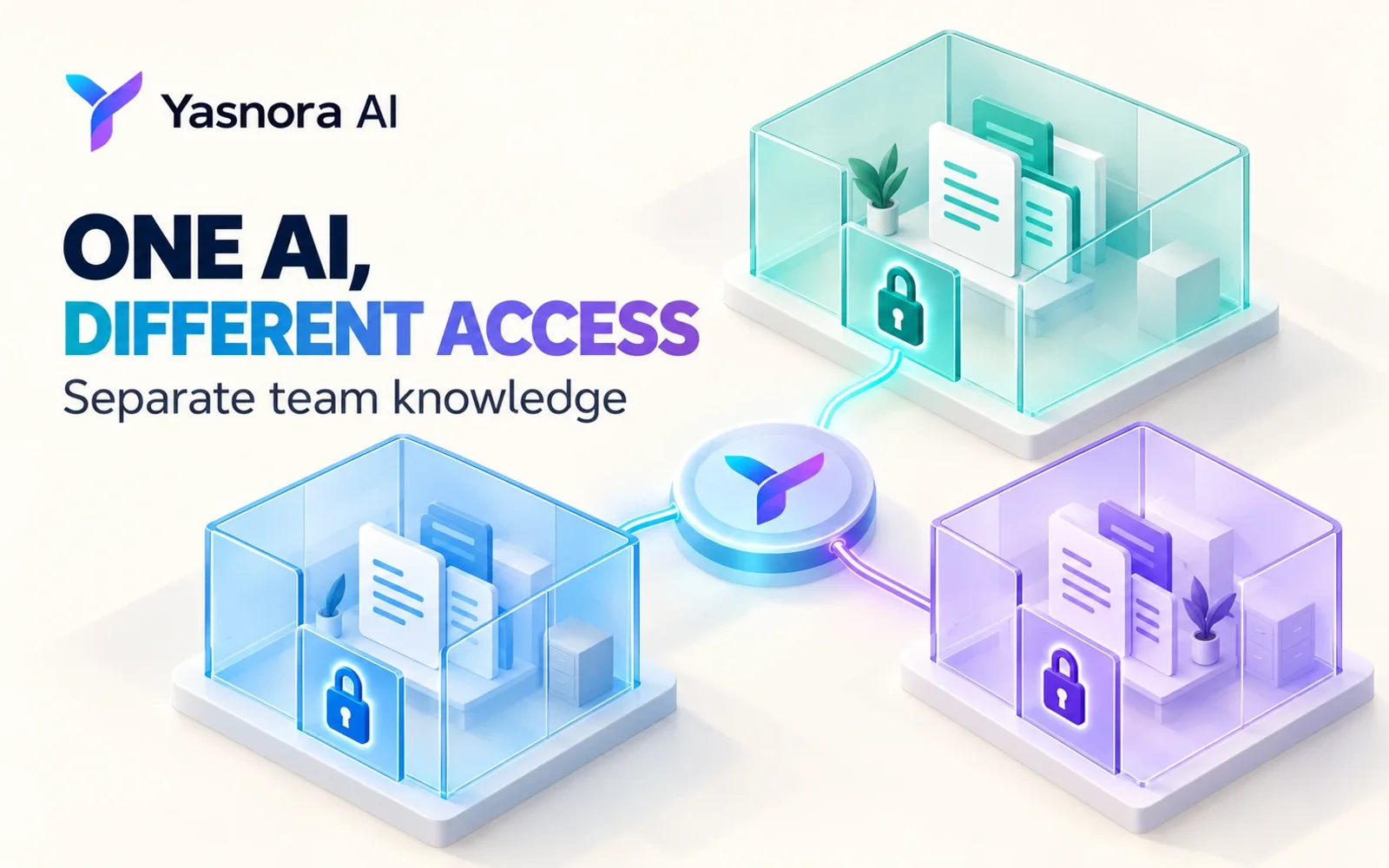
One company AI can help sales, marketing and leadership. A shared assistant does not mean every employee should see every contract, price and internal document. A useful knowledge base starts with access boundaries.
Map questions to sources
Make a compact matrix: team, type of question, allowed documents and owner of updates. For example, a sales representative may need approved product descriptions and demo guidance, while a particular client’s financial terms belong to an assigned group. Do not put sensitive material in a shared collection just in case it becomes useful.
Five configuration steps
- Create workspaces or groups around real work, not arbitrary department labels.
- Place documents in the right scope and give each collection an owner.
- Assign roles by necessary access. Review who may read, add or change material.
- Test two prompts: an allowed question should find a relevant source; a disallowed question must not expose another group’s document. Test as a member, not only as an administrator.
- Set a review date for permissions and documents. When a project changes, revisit access and outdated instructions.
A B2B team example
Marketing asks how to explain the product’s value to a marketplace seller. The assistant uses approved materials. A salesperson asks about one client’s terms: an answer is appropriate only if the user has access to a current document. Without a source, asking a human is better than inventing contract terms.
Answer quality also depends on verifiable sources. See How to Monitor Changes With Sources.
Yasnora AI provides workspaces, groups, instructions and Knowledge for working with materials. Availability of specific team features depends on plan and configuration, and some capabilities are in Beta. Private documents require explicit setup; the assistant does not gain access automatically. See yasnora.ru. Yasnora is part of the Виксора ecosystem.